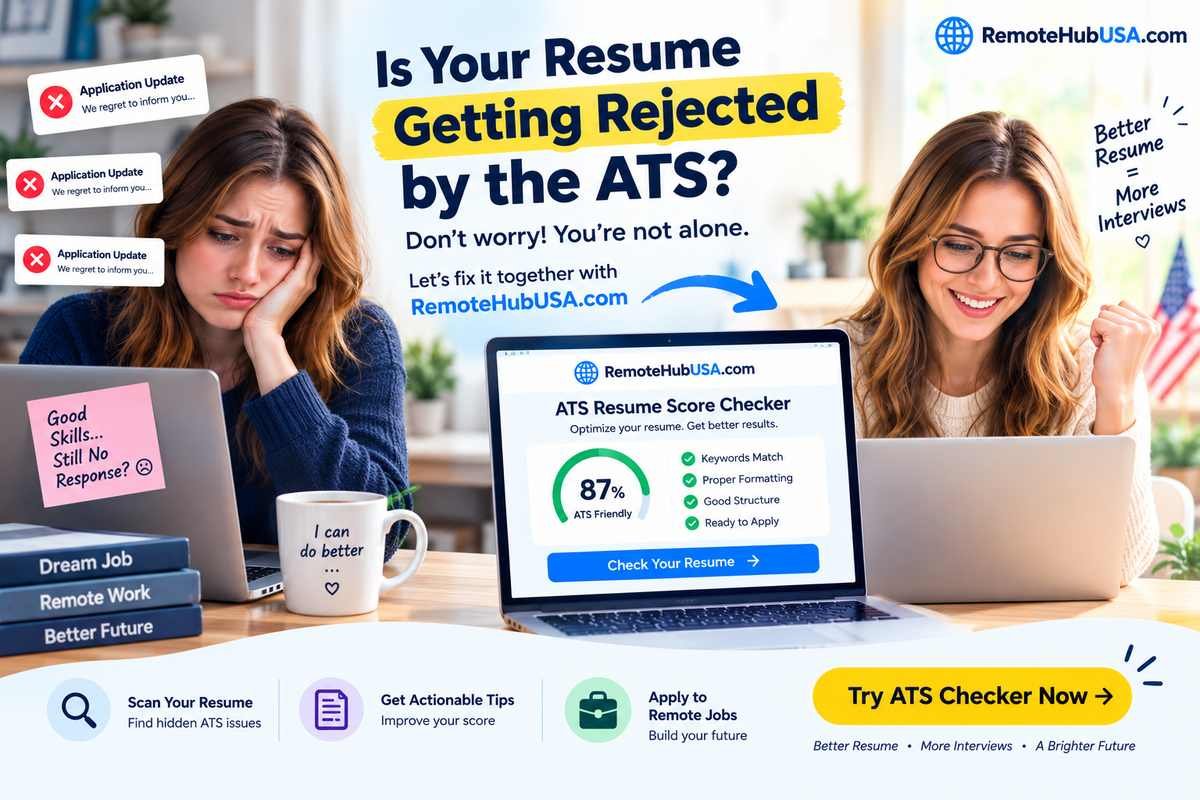
If you have spent the last few weeks applying to remote jobs on LinkedIn, Indeed, or major job boards and heard absolute silence, stop blaming your qualifications. You might be an exceptional developer, writer, or operations manager, but your resume is likely dying a quiet death inside an Applicant Tracking System (ATS).
When a remote-first company posts a single opening, they don’t get 50 resumes—they get 5,000. No human recruiter is reading all of those. Software does the dirty work first. If that software gets confused by your formatting, your application goes straight into the digital shredder.
As someone who has looked behind the curtain of hiring pipelines, here is the unfiltered truth about why your applications are vanishing and how to re-engineer your resume to beat the machines.
The Real Culprit: Why the ATS Hates Your Resume
Most job seekers think an ATS is a smart AI evaluating their career potential. It isn’t. It is a glorified database parser. It scrapes your document, strips away styling, and dumps your career history into text fields. If the parser chokes, your data gets scrambled or dropped.
Here are the three fatal mistakes that trigger an automatic rejection:
1. Multi-Column Layouts and Graphic Elements
You downloaded a gorgeous, two-column Canva template with skill meters, progress bars, and custom icons because it looked modern.
The Reality: ATS parsers read left-to-right, line by line like an old-school typewriter. A two-column layout confuses the reading order. Your job title ends up merging with your skill list, reading like complete gibberish to the software.
2. Keyword Stuffing vs. Contextual Mapping
Many applicants copy-paste 50 buzzwords from the job description in white text at the bottom of their resume, thinking they’ll outsmart the algorithm.
The Reality: Modern ATS software flags white text instantly (it looks like spam). More importantly, smart systems look for context. If “Project Management” is listed under a random skills cloud instead of being backed up by bullet points under your employment history, it gets heavily discounted.
3. Saving as the Wrong File Type
The Reality: Always check the application instructions. If a portal asks for a
.docxor a standard text-based.pdf, uploading an exported vector PDF from a design program can turn your entire text into a flat image file. If the system can’t highlight and copy text from your file, the ATS sees a blank page.
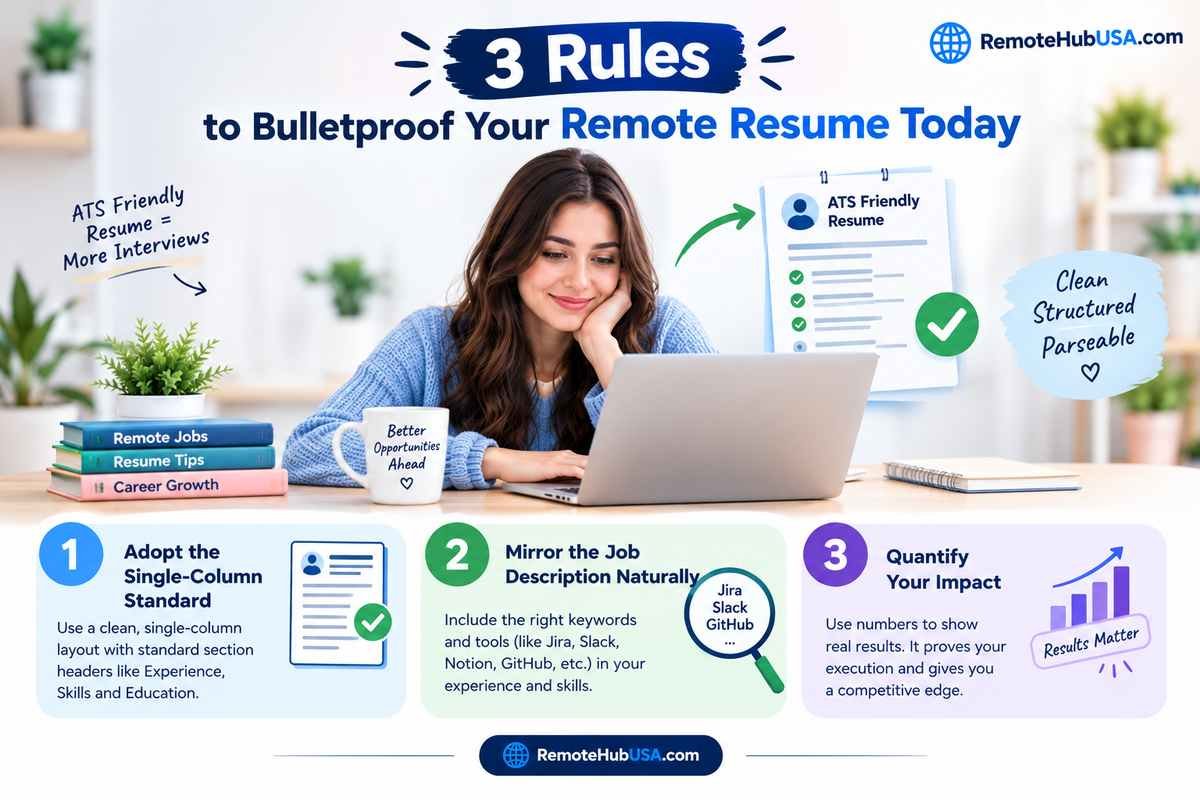
3 Rules to Bulletproof Your Remote Resume Today
Fixing this doesn’t require design skills; it requires a strict engineering mindset. Clean, structured, and parseable.
Rule 1: Adopt the Single-Column Standard
Throw away the multi-column templates. Stick to a clean, single-column chronological layout. Use standard section headers that every parser recognizes:
Experience (not “Where I’ve Made Magic”)
Skills (not “My Superpowers”)
Education (not “Academic Milestones”)
Rule 2: Mirror the Job Description Naturally
Remote roles require specific tool stacks (e.g., Jira, Slack, Notion, Asana, GitHub, Salesforce). Don’t guess what terms the ATS is hunting for.
Look at the job listing. If they ask for “Asynchronous Communication” and “Cross-functional collaboration,” make sure those exact phrases appear naturally in your experience bullet points.
Rule 3: Quantify Your Impact
Machines and recruiters both love numbers. Instead of writing, “Responsible for team communication and project delivery,” write:
“Managed remote cross-functional sprints across 3 time zones, delivering 14 software updates on schedule using Jira and Slack.” Numbers prove execution, which carries massive weight when hiring managers review parse-safe profiles.
The Smartest Move You Can Make Next
Stop guessing whether your resume is passing the machine test. Before you submit your next batch of applications to high-paying remote roles, run your document through a dedicated tool.
Head over to RemoteHubUSA.com, use our built-in ATS Score Checker to scan your resume against live job descriptions, and fix those hidden parsing errors in minutes. Once your document is airtight, browse our verified board of remote positions and start landing interviews where your actual skills—not a software glitch—get the final say.
Need a new, ATS-friendly CV? Click here to build yours now! 💡 Quick Tip for the Best Experience: Please use a laptop or PC so you can see the formatting clearly while building your CV.